
Photo by Tiger Lily on Pexels
ChatWithCloud free converter limits are 6 conversions a minute and 60 a day without an account, or 12 a minute and 200 a day with a free account. Each conversion accepts up to 60,000 characters, and files up to 500 KB. All 19 converters are free and need no signup; a free account raises the rate limits.
This page is for developers planning an SDK or infrastructure-as-code migration with the free converters who want to know how far the free tier stretches. It covers the ChatWithCloud free converter limits in one table, what counts against them, worked examples for a small and a large migration, and how to fit big files under the size limit.
These limits apply to the free browser-based AWS code converters. The ChatWithCloud CLI, which answers questions about your AWS account, is a separate product with its own trial of 15 free runs; you install the ChatWithCloud CLI with npx or Homebrew and then connect ChatWithCloud to your AWS account through a local profile, neither of which the converters need. If you’re weighing the CLI against AWS’s own assistant, see ChatWithCloud vs Amazon Q Developer in the terminal.
ChatWithCloud free converter limits at a glance
| Limit | Without an account | With a free account |
|---|---|---|
| Conversions per minute | 6 | 12 |
| Conversions per day | 60 | 200 |
| Size of one conversion | Up to 60,000 characters | Up to 60,000 characters |
| File you can open | Up to 500 KB | Up to 500 KB |
| Price | Free, no signup | Free |
Limits as of September 2026, as stated on each tool page. A free account raises the rate limits; the size limits stay the same. You can create a free ChatWithCloud account whenever the anonymous limits start to get in the way.
Which tools do the limits cover?
The same numbers are listed for all 19 converters, which fall into three groups:
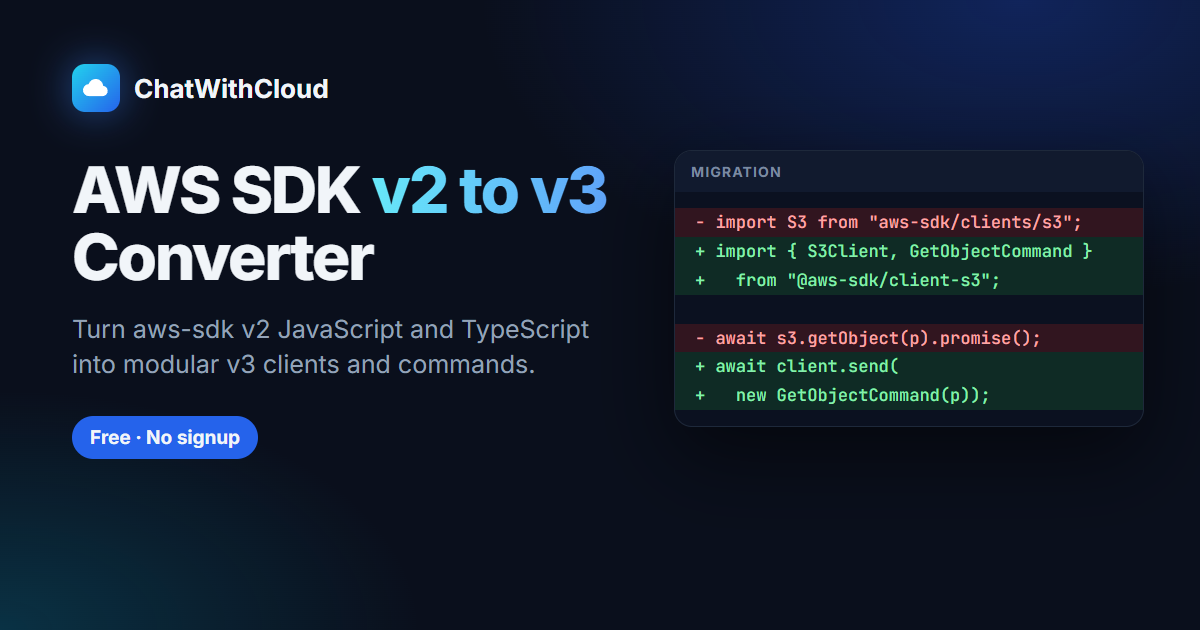
- SDK migrations: JavaScript v2 to v3 and back, JavaScript to boto3 and to Rusoto, boto3 to JavaScript v3, v2 and Go. For whole projects, see how to migrate a Node.js app from AWS SDK v2 to v3 and port a Python boto3 script to Node.js.
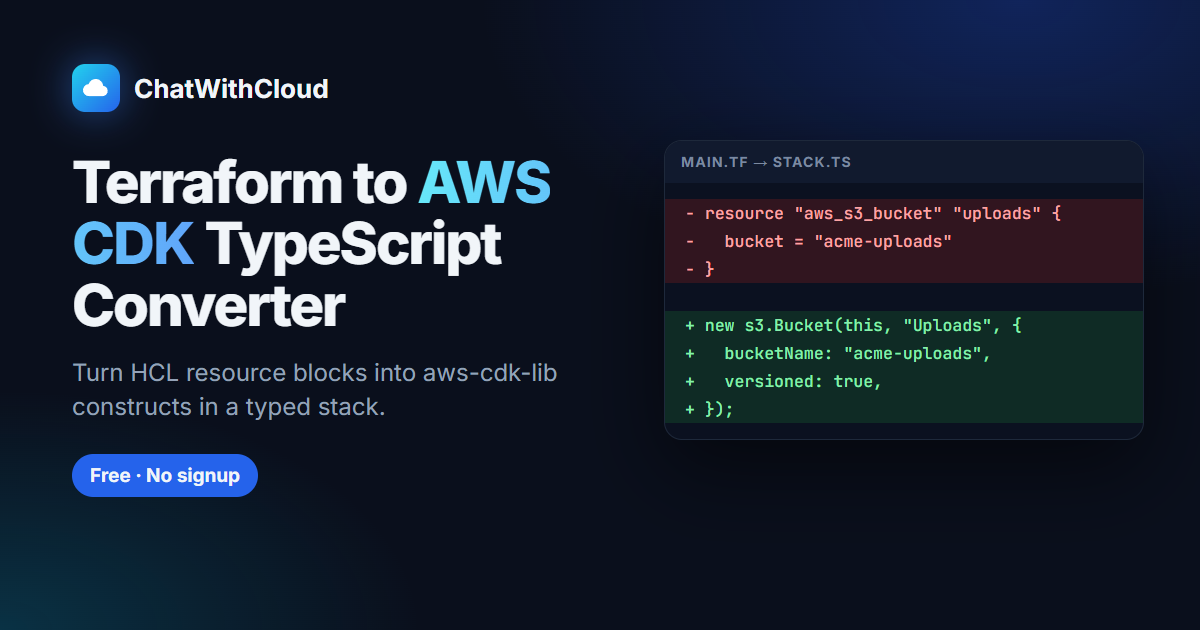
- Infrastructure as code: Terraform to CDK (TypeScript or Python), CDK to Terraform, CDK TypeScript to Python and back, Terraform to CloudFormation, CloudFormation JSON or YAML to Terraform, and Terraform to Pulumi TypeScript. If you’re moving live stacks, not just code, see how to import CloudFormation resources into Terraform safely and weigh AWS CDK vs Terraform for existing stacks first. For a code-only language switch, the guide to translate an AWS CDK TypeScript app to Python shows how to keep logical IDs unchanged.
- IAM policy generators: from TypeScript/JavaScript, Python and Go code, such as the IAM policy generator for Python code.
Each converter runs your code through an AI model and returns a draft to review; what happens to that code is covered in is it safe to paste AWS code into an AI converter. A common starting point is the AWS SDK for JavaScript v2 to v3 converter, since v2 reached end-of-support on 8 September 2025. To see what finished v3 code looks like, compare your output with the example to create a presigned S3 upload URL with AWS SDK v3.
What counts against the rate limits?
Each time you press Convert, you use one conversion from the per-minute and per-day allowance. The size of the input doesn’t matter for the rate limit: a 10-line snippet and a 1,400-line file each count as one.
Two habits make the allowance go further:
- Convert whole modules, not single functions. One conversion of a 400-line module uses the same allowance as one conversion of a 10-line helper, and the model sees more context.
- Fix the input, not the output, when something is off. If the result is wrong because the snippet was missing its imports or client setup, add them and convert again once, instead of converting the same fragment repeatedly.
How big can one conversion be?
Two limits apply: up to 60,000 characters per conversion, and files up to 500 KB when you open one. In practice the character limit is the one you’ll meet first. A 500 KB file of plain ASCII code is about 500,000 characters, far more than one conversion takes.
To estimate lines: if your code averages 40 characters per line (an assumption; minified or heavily indented code differs), 60,000 characters is about 1,500 lines. That covers most source files, CloudFormation templates and Terraform modules. It won’t cover a monolithic main.tf for a whole account or a generated SDK wrapper.
This Node.js script lists the files in a directory that won’t fit in one conversion, so you can split them before you start:
import { readdir, readFile, stat } from "node:fs/promises";
import { join, extname } from "node:path";

const MAX_CHARS = 60_000;
const MAX_BYTES = 500_000;
const root = process.argv[2] ?? ".";
const exts = new Set([".js", ".mjs", ".cjs", ".ts", ".tsx", ".py", ".go", ".tf", ".json", ".yaml", ".yml"]);

async function* walk(dir) {
  for (const entry of await readdir(dir, { withFileTypes: true })) {
    if (entry.name === "node_modules" || entry.name.startsWith(".")) continue;
    const path = join(dir, entry.name);
    if (entry.isDirectory()) yield* walk(path);
    else if (exts.has(extname(entry.name))) yield path;
  }
}

let tooBig = 0;
for await (const file of walk(root)) {
  const { size } = await stat(file);
  const chars = (await readFile(file, "utf8")).length;
  if (chars > MAX_CHARS || size > MAX_BYTES) {
    tooBig += 1;
    console.log(`${file}: ${chars} characters, ${size} bytes. Split before converting.`);
  }
}
console.log(tooBig === 0 ? "Every file fits in one conversion." : `${tooBig} file(s) need splitting.`);node find-large-files.mjs ./srcHow to split a file that’s too large
Split along the lines the converter needs to see together, so each piece still makes sense on its own:
- JavaScript or TypeScript: one service client per piece. Keep the imports and the client construction with the calls that use it, or the converter has to guess how the client was configured.
- Python (boto3): keep each
boto3.client()orboto3.resource()call with the functions that use it, plus any paginator or waiter setup. - Terraform: one group of related resources per piece, together with the
variable,localsanddatablocks they reference. - CloudFormation: keep the
ParametersandConditionsthat a set of resources uses in the same piece, and move the matchingOutputswith them. Each piece’s!Ref,!Ifand!FindInMapcalls need those blocks, as the CloudFormation intrinsic functions to Terraform mapping shows.
Worked examples: planning a migration on the free tier
A 45-file service, no account
45 files is under the 60-a-day limit, so it fits in one day. At 6 a minute, the fastest you can send them is 45 ÷ 6 = 7.5, so about 8 minutes of converting. In reality you’ll spend far longer reviewing each result than waiting on the limit.
A 150-file monorepo, with and without an account
Without an account: 150 ÷ 60 = 2.5, so the conversions spread over 3 days. With a free account: 150 is under the 200-a-day limit, so one day, and at 12 a minute the sending takes 150 ÷ 12 = 12.5, about 13 minutes.
Tip: for a bulk JavaScript v2 to v3 migration, run AWS’s open-source aws-sdk-js-codemod tool on GitHub locally first (npx aws-sdk-js-codemod@latest -t v2-to-v3 PATH), then use the converter for the files the codemod couldn’t finish. That can cut the number of conversions you need.
What to do when you hit a limit
- Per-minute limit: wait a minute and convert again. Use the time to review the last result.
- Daily limit without an account: sign up for a free account, which raises the daily allowance from 60 to 200.
- Daily limit with an account: carry on the next day, or switch the remaining bulk work to a local tool such as the codemod above.
- File too large: split it along module boundaries: one resource group per Terraform file, one service client per JavaScript module. Convert each piece with its imports so the model has the context it needs.
What the free tier doesn’t change
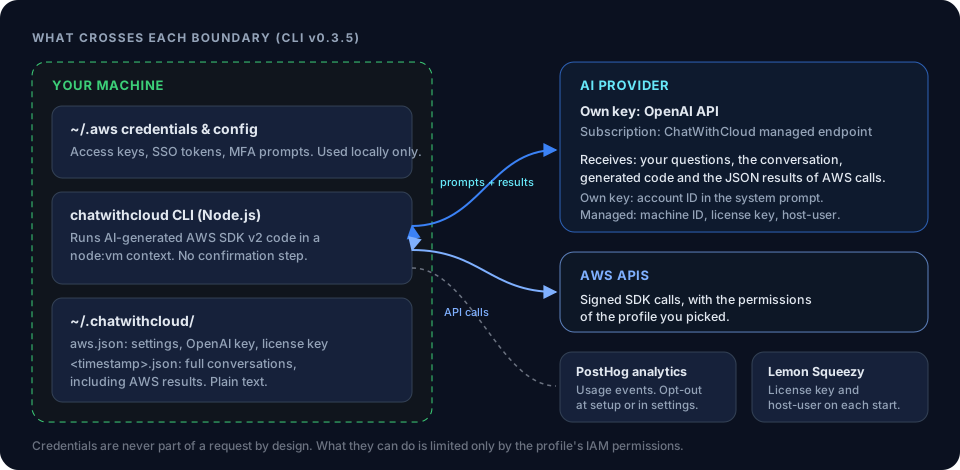
With or without an account, the conversion itself works the same way. Your code is sent to an AI model hosted on NVIDIA’s API only to produce the conversion, and ChatWithCloud doesn’t store or log it. A local check warns about AWS keys, private keys and common API tokens before anything is sent (the checklist for removing secrets before converting covers what it misses). Output adds comments where there’s no direct equivalent, and it must be reviewed and tested before you ship it. The converters never need AWS credentials; the ChatWithCloud security and data handling page explains how that differs from the CLI.
Frequently asked questions
Can I use the AWS code converters with no signup?
Yes. All 19 converters are free without an account, with limits of 6 conversions a minute and 60 a day.
How many conversions do I get with a free ChatWithCloud account?
12 a minute and 200 a day. The per-conversion size limits (60,000 characters, files up to 500 KB) are the same with or without an account.
What is the ChatWithCloud code conversion daily limit?
60 conversions a day without an account and 200 a day with a free account.
Is there a free AWS SDK migration tool without an account?
Yes. The SDK converters (JavaScript v2 to v3, boto3 to JavaScript v3, boto3 to Go and others) work without an account. For whole repositories, AWS’s open-source codemod is also free and runs locally.
Do the converter limits affect the ChatWithCloud CLI?
No. The CLI is a separate product with 15 free runs and paid plans; see the ChatWithCloud CLI pricing plans and the ChatWithCloud frequently asked questions.
Related guides
Is it safe to paste AWS code into an AI converter?Where your code goes and what to strip first.
 All free AWS convertersSDK, IaC and IAM policy tools in one place.
 Create a free accountRaise the limits to 12 a minute and 200 a day.
 Terraform to CDK TypeScriptConvert Terraform modules to AWS CDK in TypeScript.
 Security modelHow converters and the CLI handle your code and data.
AWS CDK vs Terraform for Existing AWS StacksAn honest comparison of CDK and Terraform when your AWS infrastructure already exists.
Ask your AWS account in plain English
Your first 15 runs are free, with no OpenAI key needed.
npx chatwithcloud